X
Mobile data collection solution for Sage Wincarat
Mobile warehouse and manufacturing
prozesse direkt in
Book Sage Wincarat
With Wica Scan, your employees capture goods receipts, warehouse movements, order picking, production feedback, and quality processes directly on their Android handheld device, eliminating manual data entry.
Book a demo now
Book a demo
Over 70 modules
For warehouse, shipping, production, quality, inventory, and tool management.
Structured Wincarat integration
Mobile transactions are reliably transferred to Sage Wincarat and made available there for further processing.
Android mobile devices
Can be used on industrial-grade mobile data collection devices with integrated scanners
For production & warehouse
Designed for real-world processes on the shop floor and in intralogistics.
Ihr Fundament für effiziente Logistik
Das etiscan Baukastensystem. Flexibel. Skalierbar. Passgenau.
Unser Standardpaket etiscan.device vereint alle grundlegenden Funktionen für einen durchgängigen und digitalisierten Lagerbetrieb in einem standardisierten Funktionsumfang.
Ihr Vorteil:
Mit etiscan.device digitalisieren Sie alle zentralen Lagerprozesse – schnell, sicher und transparent. Die perfekte Basis für jede weitere Ausbaustufe.
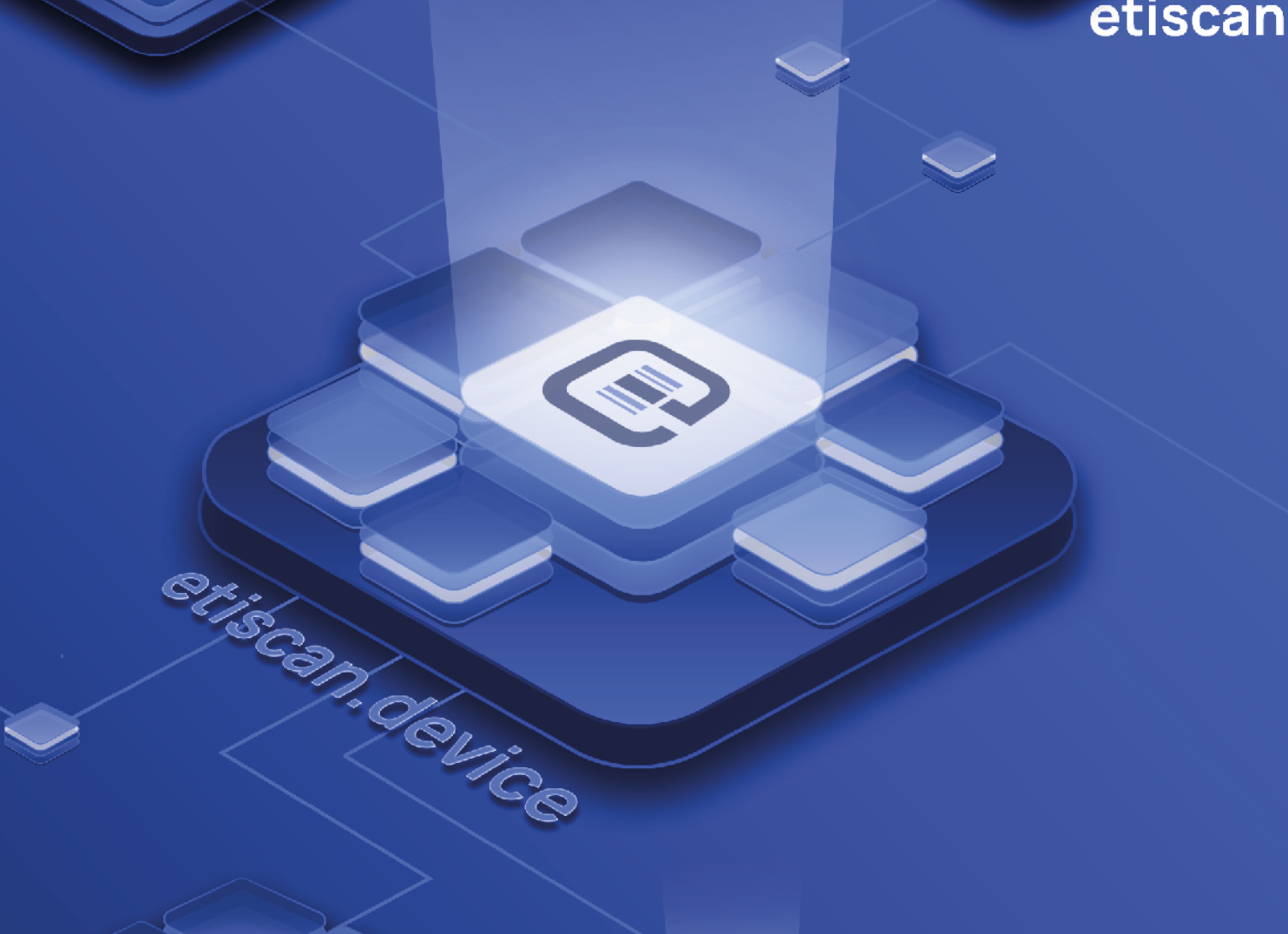
In etiscan.device enthaltene Funktionen:
Versand
Materialentnahme
Inventur
Bestandsinfo
Ein-/Umlagern
Betriebsauftrag-Rückmeldung
Betriebsauftrag-Info
Palettenlogik
Werkslogik
Anzeige freie Lagerplätze
Materialentnahme-Info
Multilanguage
Fewer manual entries.
More transparency in the warehouse.
Wica Scan brings data collection directly to where the action is: in the warehouse, in shipping, and on the shop floor.
Employees scan barcodes, record material movements, and report production data directly on their mobile devices. The data is processed immediately in Sage Wincarat—no paper lists, Excel workarounds, or manual follow-up entries required.
The result: faster processes, up-to-date inventory, and fewer errors.

Optionale Pakete zur Erweiterung
Für jede Anforderung die passende Lösung
etiscan.production
Fertigungsbereichs-Logik
Ausschussmeldung
Stücklistenausschuss
Rückmeldung m. Personalzeit
Fertigungsrückmeldung
Anfahrausschuss

etiscan.production.advanced
BDE-light
Betriebsauftrag-Rückmelden Fertigungsumlagerung
Materialverfügbarkeitsprüfung
Materialrückgabe

etiscan.qa
Lagersatzsperre
Foto-/Bilderfassung
Unterschriftenerfassung
Ein- und Umlagern mit Sperrkennzeichen
etiscan.storageunits
Lagersatzkorrektur
Behälter zusammenfügen
Lagersatz teilen
erweitertes Behältermanagement
etiscan.inbound
Wareneingang
Anlieferungserfassung
Wareneingangsprüfung
etiscan.shipment.check
VDA-Gegencheck
VDA-GTL-Gegencheck
etiscan.shipment
Versand Mischpalette
Auslagern außer Haus
Verpackungslogistik
Transportmanagement
Kommissionierung
Palettengewichtserfassung
etiscan.label
Etikettendruck
Nachdruck
Druckerwechsel
inkl. Erstellung von einem Layout
etiscan.print
Palettenetikett erzeugen
Nachdruck Paletten- & Behälteretikett
etiscan.tooling
Werkzeuglagerung
Lagerplatzinfo Werkzeuge
Werkzeug-Betriebsauftrag-Rückmeldung & -Info
Modular & kombinierbar
Unsere Pakete sind modular kombinierbar und flexibel erweiterbar. Sie starten gezielt mitden Funktionen, die Sie heute benötigen, und ergänzen weitere Module genau dann, wennProzesse wachsen oder sich Anforderungen verändern.
So bleiben Investitionen planbar,und Sie erzielen Schritt für Schritt messbare Effekte im Lager- und Produktionsumfeld.
Your benefits with
Wica Scan
Book a demo now
Book a demo
Structured integration with Sage Wincarat
Mobile entries are seamlessly transferred from the scanner process to Sage Wincarat and made available for further processing. This reduces manual data entry, prevents transcription errors, and ensures that inventory and process data are available in the ERP system in real time.
Over 70
ready-to-use modules
From inbound and outbound logistics to picking, material supply, production feedback, and quality assurance, right through to inventory management: Wica Scan covers almost all relevant warehouse and production processes.
Intuitive operation on
mobile devices
Clear interfaces, scanner-guided workflows, and color-coded input fields ensure that employees are guided safely through the process without the need for extensive training.
Flexibly
configurable
Modules can be selectively activated, restricted, and combined. This creates not a rigid standard solution, but an MDE application tailored to your workflows, permissions, and process requirements.
FIFO logic and quality assurance
Batch tracking, block management, index verification, and VDA checks can be handled directly on the scanner. This ensures quality, traceability, and process reliability even in mobile workflows.
Real-time production feedback
Production order confirmations, scrap reports, labor times, and shop floor data can be reported back to Sage Wincarat directly from the production floor.
Erweitern Sie Sage Wincarat
genau dort, wo Ihr Lager
mehr braucht.
Wählen Sie aus verschiedenen etiscan Software-Modulen und digitalisieren Sie gezielt einzelne Bereiche Ihrer Intralogistik – oder gleich das ganze Lager.

etiscan Pakete
etiscan.device
Das Basispaket deckt zentrale Lager- und Logistikprozesse mobil ab. Bestände, Lagerplätze, Betriebsaufträge und Materialentnahmen können direkt abgerufen und bearbeitet werden. Auch Ein- und Umlagerungen, Inventuren, Versandprozesse sowie Paletten- und Werkslogiken werden unterstützt und transparent im laufenden Prozess abgebildet.
etiscan.production
Direkt aus der Fertigung lassen sich Mengen, Personalzeiten und Ausschuss mobil zurückmelden. Auch Stücklistenausschuss, Anfahrausschuss und fertigungsbereichsbezogene Abläufe können erfasst und verarbeitet werden. Dadurch entstehen aktuelle Rückmeldungen und eine transparentere Steuerung produktionsnaher Prozesse.
etiscan.production.advanced
Für erweiterte Produktionsprozesse stehen zusätzliche Funktionen wie BDE-light, Materialverfügbarkeitsprüfung, Materialrückgabe und Betriebsauftrag-Rückmelden Fertigungsumlagerung bereit. So lassen sich komplexere Abläufe unmittelbar auf dem Shopfloor abbilden.
etiscan.storageunits
Behälter und Lagereinheiten können flexibel verwaltet, zusammengeführt oder geteilt werden. Ergänzend lassen sich Lagersätze korrigieren und Bestände über ein erw. Behältermanagement transparent steuern.
etiscan.shipment
Kommissionierung, Verpackung und Versand werden mobil unterstützt. Mischpaletten, außer Haus gelagerte Waren und Transportprozesse lassen sich strukturiert bearbeiten. Auch Palettengewichte können direkt im Prozess erfasst werden. So entstehen durchgängige Abläufe vom Lager bis zur Versandbereitstellung.
etiscan.shipment.check
Zusätzliche Gegenprüfungen erhöhen die Sicherheit im Versand. VDA- und VDA-GTL-Checks helfen dabei, Lieferungen vor der Übergabe zu kontrollieren und Abweichungen frühzeitig zu erkennen.
etiscan.qa
Qualitätsbezogene Prozesse können direkt im Lager dokumentiert werden. Bestände lassen sich sperren, Fotos und Unterschriften erfassen sowie Ein- und Umlagerungen mit Sperrkennzeichen durchführen. Dadurch werden Abweichungen transparent festgehalten und qualitätsrelevante Warenbewegungen nachvollziehbar gesteuert.
etiscan.inbound
Wareneingänge und Anlieferungen werden direkt mobil erfasst. Ergänzend können Wareneingangsprüfungen im laufenden Prozess dokumentiert werden. Dadurch stehen relevante Informationen frühzeitig zur Verfügung, manuelle Nacherfassungen werden reduziert und Abweichungen bereits bei der Anlieferung erkannt.
etiscan.tooling
Werkzeuge lassen sich mobil verwalten, ein- und auslagern und eindeutig Lagerplätzen zuordnen. Zusätzlich können Informationen und Rückmeldungen zu Betriebsaufträgen direkt erfasst werden. So bleiben Werkzeugbestände, Einsatzorte und produktionsbezogene Vorgänge jederzeit transparent.
etiscan.label
Etiketten lassen sich direkt aus mobilen Prozessen drucken und bei Bedarf nachdrucken. Auch ein Druckerwechsel ist möglich. Ein abgestimmtes Layout ist enthalten, weitere Layouts können ergänzt werden. So bleiben Kennzeichnungen flexibel an unterschiedliche Prozesse und Anforderungen anpassbar.
etiscan.print
Paletten- und Behälteretiketten können direkt im jeweiligen Prozess erstellt und bei Bedarf nachgedruckt werden. So stehen benötigte Kennzeichnungen ohne zusätzliche Zwischenschritte zur Verfügung. Das erleichtert die eindeutige Identifikation von Paletten und Behältern im Lager- und Versandprozess.
Welche Pakete
brauchen Sie?
Mobile data entry on Android devices. Structured data transfer to Sage Wincarat.
Wica Scan is based on the etiscan Ignition platform and runs on standard, rugged Android mobile devices with 2D scanners. The solution ensures structured data transfer between mobile warehouse processes and Sage Wincarat – from the scan in the warehouse to further processing in the ERP. This creates a stable technical foundation for efficient workflows in warehousing, shipping, and production.
Operating system
Android as the mobile system base
ERP integration
Structured connection to Sage Wincarat
Print integration
Label printing via configurable print stations
Hardware
Industrial-grade mobile devices with integrated scanners
Multilingualism
User interface available in various languages
Configuration
Plant logic, authorization concepts, and module selection can be customized
Typical starting situations for Wica Scan
If Sage Wincarat is already your central ERP system, but operational processes still take place outside the system too often, Wica Scan brings data entry directly to where the action happens.
Book a demo now
Book a demo
Inventory levels are not updated quickly enough
Goods receipts, stock transfers, production confirmations, and shipping entries are recorded directly on the mobile device and processed in Sage Wincarat.
Manual post-entry costs time and causes errors
Paper lists, Excel workarounds, and retrospective data entry are replaced by scanner-guided processes.
Feedback from production arrives too late
Quantities, scrap, personnel times, and production order data are reported back directly from the shop floor.
Picking and shipping need more security
FIFO checks, index checks, VDA checks, and loading controls help prevent incorrect picking and shipping errors.
Quality and traceability need better documentation
Blocks, inspections, scrap reasons, and container information are recorded directly within the mobile process.
The solution must fit your workflows
Over 70 modules can be specifically activated, combined, and adapted to your warehouse, shipping, and manufacturing processes.
Proven in daily warehouse operations
Over 1,000 companies use etiscan because our solutions work in everyday operations: reliable, traceable, and clearly designed for efficiency.






































Frequently asked questions about Wica Scan
Which devices does Wica Scan run on?
Our software runs on all common scanners, smartphones, and tablets using Android and iOS.
Do all modules have to be implemented?
No. The modules can be activated specifically as needed. This allows you to start with the most important processes and expand the solution later.
Can labels be printed directly from the process?
Yes. Wica Scan supports label printing via configurable print stations. Labels can be generated or reprinted for containers, pallets, or warehouse processes, for example.
Is Wica Scan also suitable for manufacturing processes?
Yes. In addition to classic warehouse processes, Wica Scan also supports production confirmations, production order information, scrap reporting, BDE light, and personnel time tracking.
Can quality blocks and inspection processes be mapped?
Yes. Containers can be locked and unlocked. Additionally, functions for material inspection, scrap reporting, VDA checks, and other quality-relevant processes are available.
Is the interface multilingual?
Yes. The user interface can be provided in multiple languages using the multi-language tool. This is particularly helpful for international or multilingual teams.
We are happy to help.
etiscan's digital mobile data collection solutions automate your logistics processes, reduce sources of error, and provide reliable, accurate data in real time.

“Our biggest benefit is currently online picking with identification of the items in the warehouse. We are finally away from paper, have greater security in picking through convenient scanning of the articles and can therefore process more efficiently.”
Andre Eichholz
Logistics manager at Hagen Grote

“The NIMMSTA Smart Watch has made our processes significantly more efficient and convenient.”
Jörg Kleemann
IT manager tabacon

“With etiscan, we have a partnership that works excellently — both technically and personally. Together, we deliver sophisticated, field-proven warehouse logistics solutions for Microsoft Dynamics 365 Business Central, which create tangible added value for our customers. Cooperation is uncomplicated, reliable and always goal-oriented.”
Dominik Klein
CEO
QdK Consulting GmbH